How do I download historical usage data?
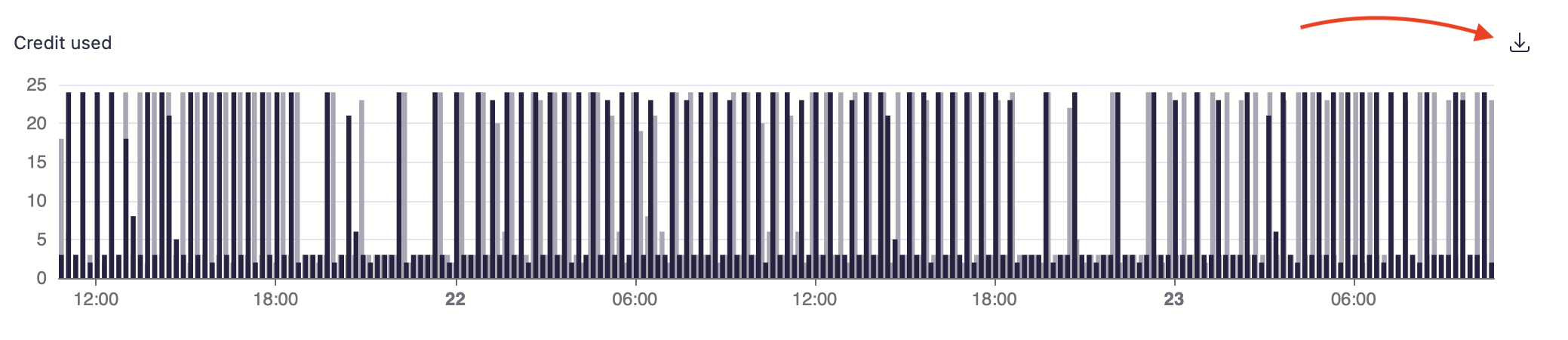
It is now possible to download a CSV export of any chart available in Scanii's web portal. When you encounter a chart, such as the one below, simply click on the download button located on the right-hand side to obtain a CSV export of the data being presented on the chart.
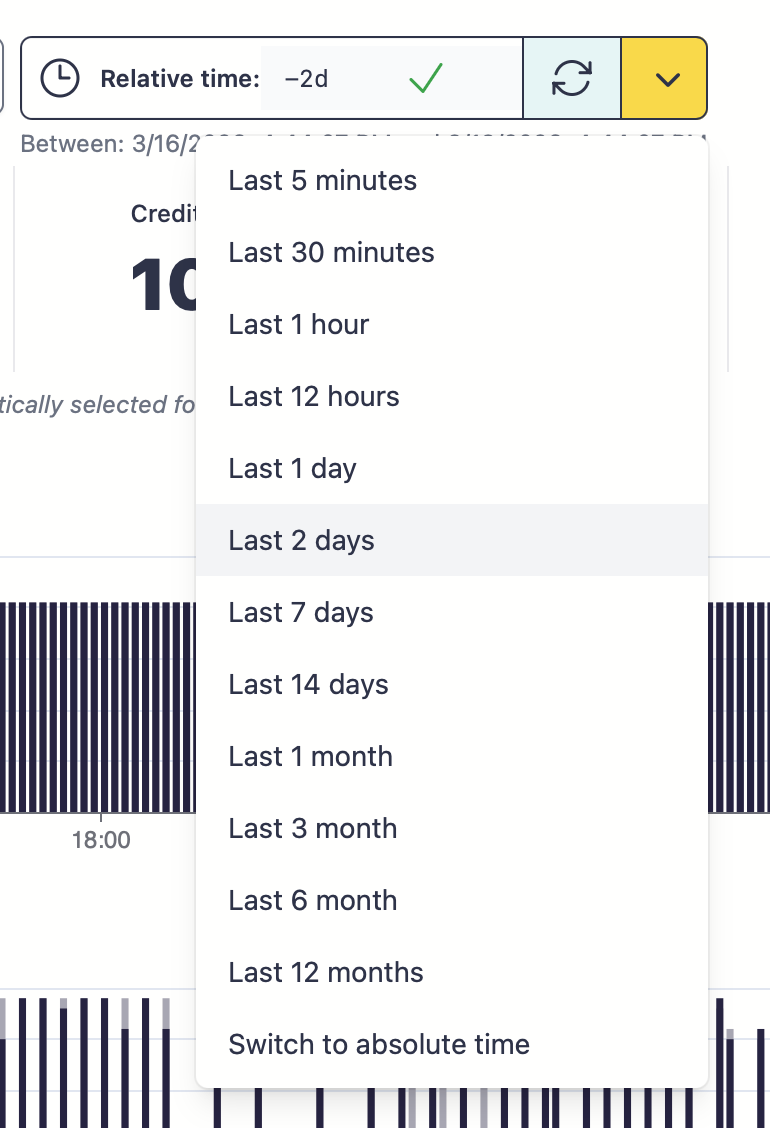
You can switch the time ranges for the charts using the time picker as you see below, both relative and absolute time ranges supported.