How do I download my historical usage data?
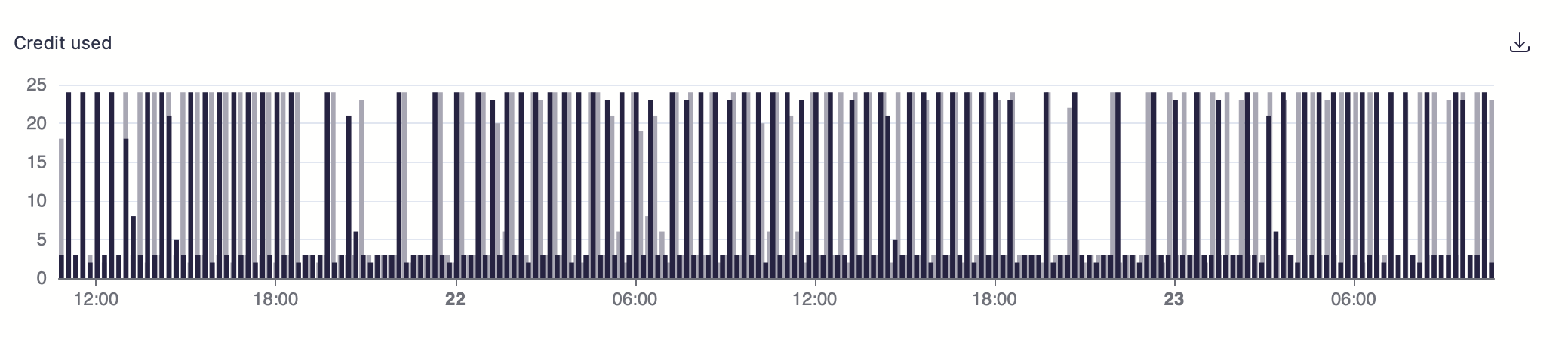
It is now possible to download a CSV export of any chart available in Scanii's web portal. When you encounter a chart, such as the one below, simply click on the download button located on the right-hand side to obtain a CSV export of the data being presented on the chart.